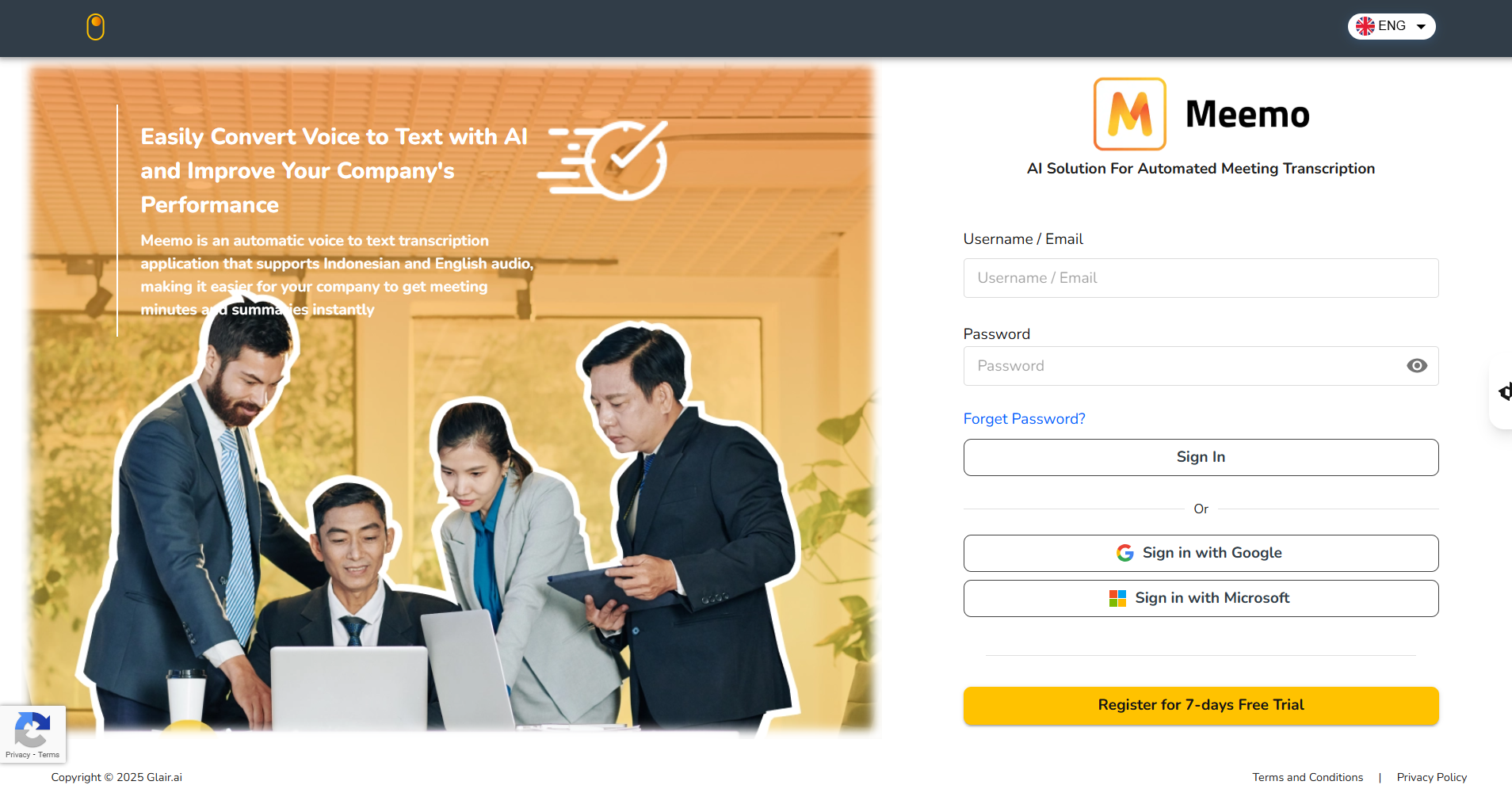
# Login
To access Meemo, you need to log in to your account. Logging in allows you to enter your organization’s workspace where you can record, manage, and review meetings.
Before logging in, make sure that you have already been **registered by your organization’s admin** or have received an **invitation email** to join the organization. Without registration, you will not be able to access the platform.
## Access Meemo
You can access Meemo through the following link:\
👉
Once you open the page, you will be directed to the Login screen.
## Login Options
Meemo provides **two ways to sign in**:
### Login with Username and Password
You can log in using the credentials provided by your organization.
* Enter your **Username** or **Email**.
* Enter your **Password**.
* Click **Sign In** to access your account.
### Login with SSO (Single Sign-On)
If your account has been registered using a **Google** or **Microsoft** email, you can log in quickly using the available Single Sign-On (SSO) options.
1. Click either the **Sign in with Google** or **Sign in with Microsoft** button.
2. Select the account you want to use.
3. Authorize Meemo to connect to your account.
Once logged in successfully, you are ready to explore the Dashboard, where all of your meetings are listed and managed.